Neighborhood Clusters: Offer Route Discounts to Nearby Customers
Learn how to use Neighborhood Clusters in the Customer Loyalty Program to auto-detect nearby customers and offer route-based discounts.
Last updated May 21, 2026
When your crew is already on a street, adding a nearby stop costs almost nothing in drive time. Neighborhood Clusters — part of Lawnager's Customer Loyalty Program — automatically detects customers who live close to each other and lets you offer them a route discount for booking on the same day. It's one of the fastest ways to increase job density and lower your cost per stop.
Note: Neighborhood Clusters is a feature of the Customer Loyalty Program, which is available on the Pro plan ($99/mo). You'll need to set up your loyalty program before enabling clusters.
How Neighborhood Clusters Work
Lawnager looks at the addresses of your active customers and groups those within close proximity into clusters. When a customer in a cluster books a job, Lawnager can automatically offer nearby customers in the same cluster a discounted rate to book on the same day — filling your route without extra marketing effort.
Customers see the offer in their Client Portal and can accept with one tap. You get a denser route. They get a discount. Everyone wins.
Setting Up Neighborhood Clusters
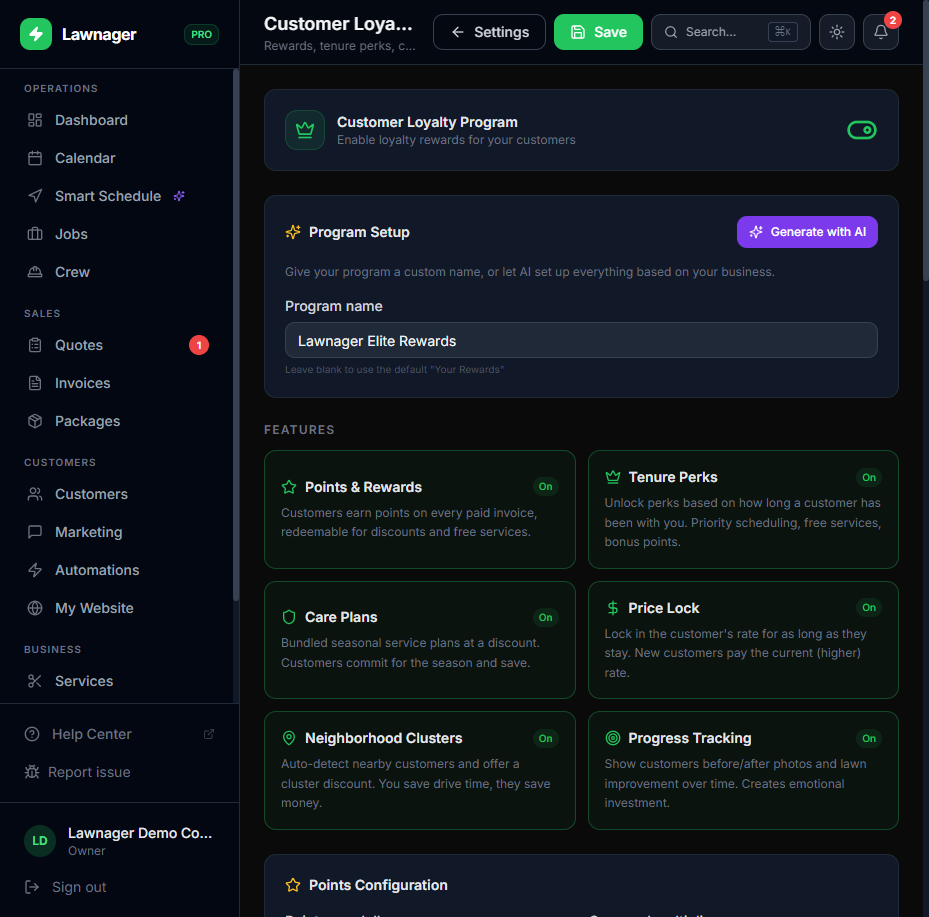
- •Go to Settings → Customer Loyalty.
- •If you haven't set up your loyalty program yet, click AI Setup to generate a full configuration in one click — or configure it manually.
- •Scroll to the Neighborhood Clusters section.
- •Toggle Enable Neighborhood Clusters to on.
- •Set your cluster radius — the distance (in miles) used to group nearby customers. A radius of 0.25–0.5 miles works well for most residential routes.
- •Set your route discount amount — the discount offered to customers in the same cluster when a neighbor books (for example, $5 off or 10% off).
- •Click Save.
Lawnager will now automatically detect clusters based on your current customer addresses and apply the discount logic going forward.
What Customers See
When a customer's neighbor books a job, eligible cluster members receive a notification (via SMS or email, depending on your automation settings) with the route discount offer. The offer also appears in their Client Portal with an expiry countdown so there's a sense of urgency.
Customers can:
- •View the offer details and discount amount
- •Accept the offer and book directly from the portal
- •Decline if the timing doesn't work
Accepted bookings flow into your Jobs list automatically and show up in your Calendar alongside the triggering job — keeping your route tight.
Tips for Getting the Most Out of Clusters
- •Name your discount clearly. Something like "Neighbor Day Discount" or "Same-Street Savings" resonates better than a generic percentage off. You can set this label in Settings → Customer Loyalty → Rewards Catalog.
- •Keep your cluster radius realistic. Too wide and you're offering discounts to customers who don't actually save you drive time. Stick to 0.25–0.5 miles unless you're in a very rural area.
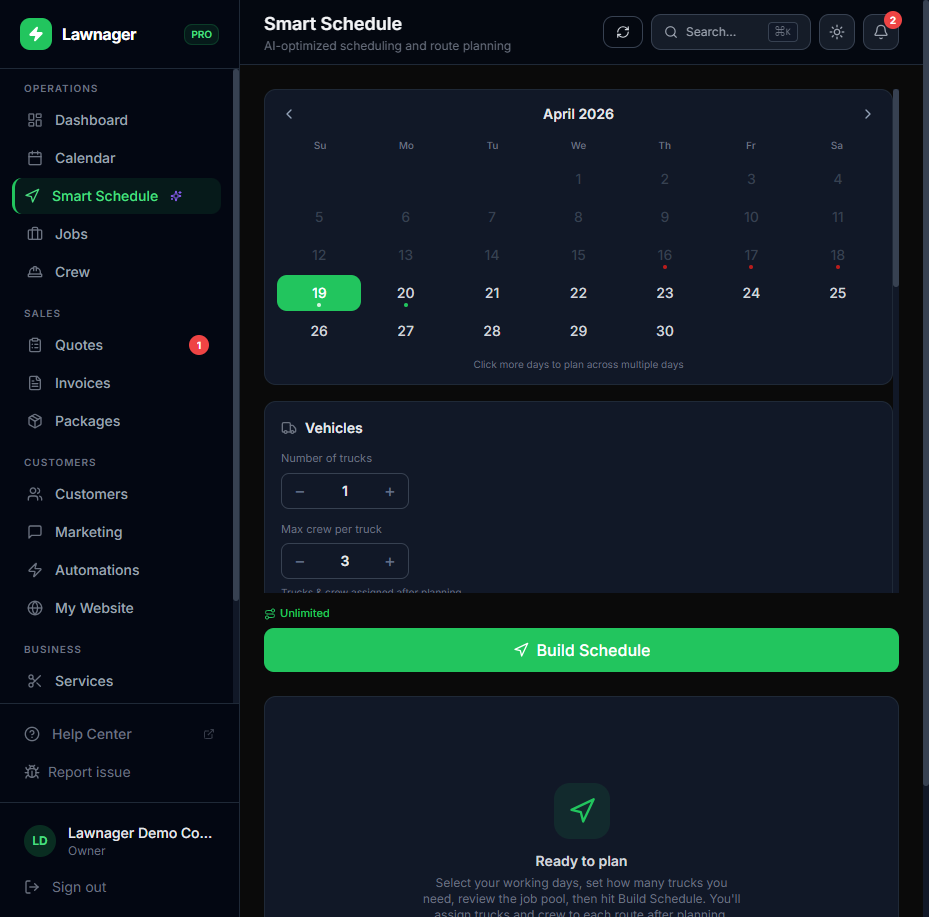
- •Pair clusters with Smart Schedule. After cluster offers are accepted, run Smart Schedule (route optimization) to slot the new stops into the most efficient order. Go to Dashboard → Smart Schedule and rebuild the route for that day.
- •Review cluster activity in Reports. Go to Reports → Customers to see which customers accepted cluster offers and track the revenue impact over time.
Common Questions
Do customers know who their "neighbor" is? No. Lawnager never shares customer names or addresses with other customers. The offer simply says a job is scheduled nearby — no personal details are disclosed.
What if I don't want to offer discounts in certain neighborhoods? Currently, clusters apply globally across your customer base. If you want to limit discounts, set a higher cluster radius (so fewer customers qualify) or adjust your discount amount to a level you're comfortable offering anywhere.
Can I use clusters without the full loyalty program? No — Neighborhood Clusters is part of the Customer Loyalty Program and requires a Pro plan. You can upgrade in Settings → Billing.
Related articles
Still have questions?
Contact support →